Subtitle translator for SRT and VTT files
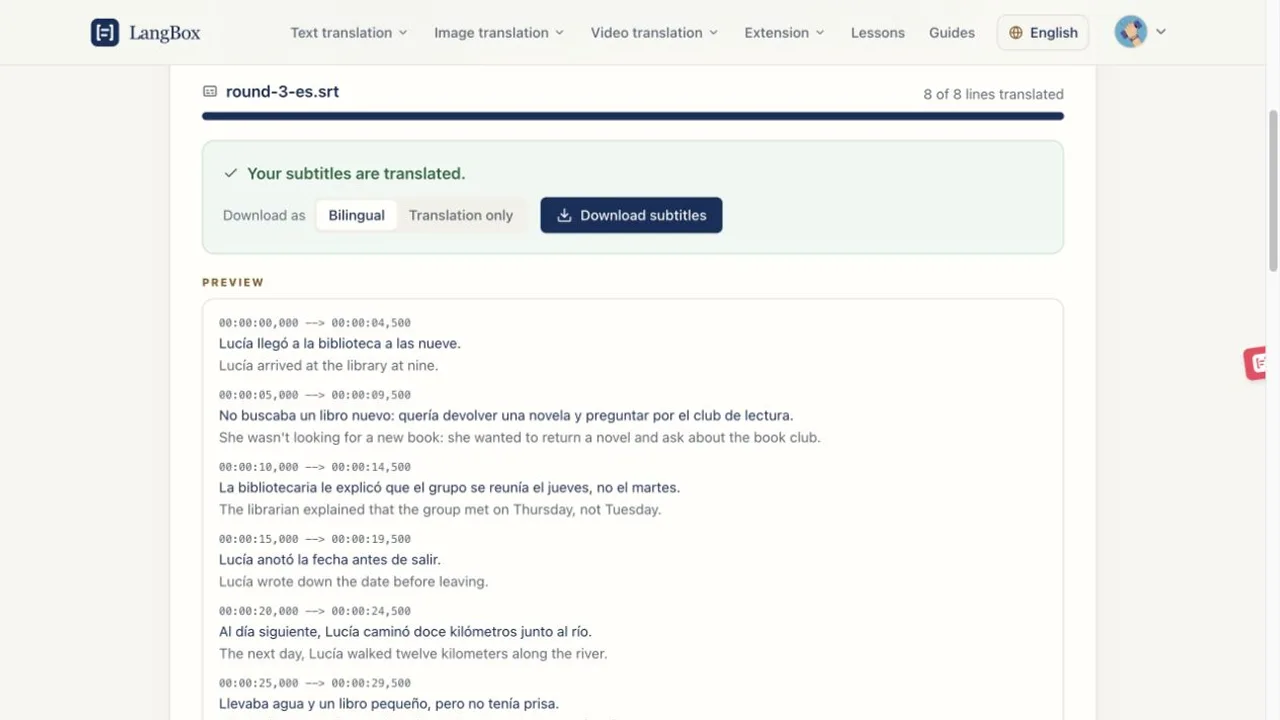
Translate a subtitle file line by line with AI and keep every timestamp. Bilingual subtitles show the original and the translation together, which is useful for learning a language from films and videos. Free, no sign-up needed.
Drop an SRT or VTT file here
Into
SRT or WebVTT · up to 2 MB
The file is read in your browser. Only the subtitle text is sent for translation, and LangBox does not store it.
Keep learning after this tool
These tools handle one file at a time. The free LangBox Chrome extension brings the same translation to everything you read and watch, and saves new words for review.
- Translate web pagesTranslation under each paragraph
- YouTubeDual subtitles, transcript and dictation
- Dictionary & word reviewDouble-click a word, review it later
Questions
- Is the subtitle translator free?
- Yes. Guests get a one-time trial of 2,000,000 tokens without signing up. If you use it all, sign in with Google for 10,000,000 tokens a month.
- Does it change the subtitle timings?
- No. Cue numbers, timestamps and WebVTT settings are copied exactly. Only the text of each cue changes.
- What are bilingual subtitles?
- Each cue shows the original line with the translation under it. Language learners use them to follow a video in the language they study.
- Which formats can I translate?
- SubRip (.srt) and WebVTT (.vtt) files up to 2 MB. Other formats, such as .ass, can be converted to SRT in most subtitle editors first.